Creating Twitter Wordclouds in R
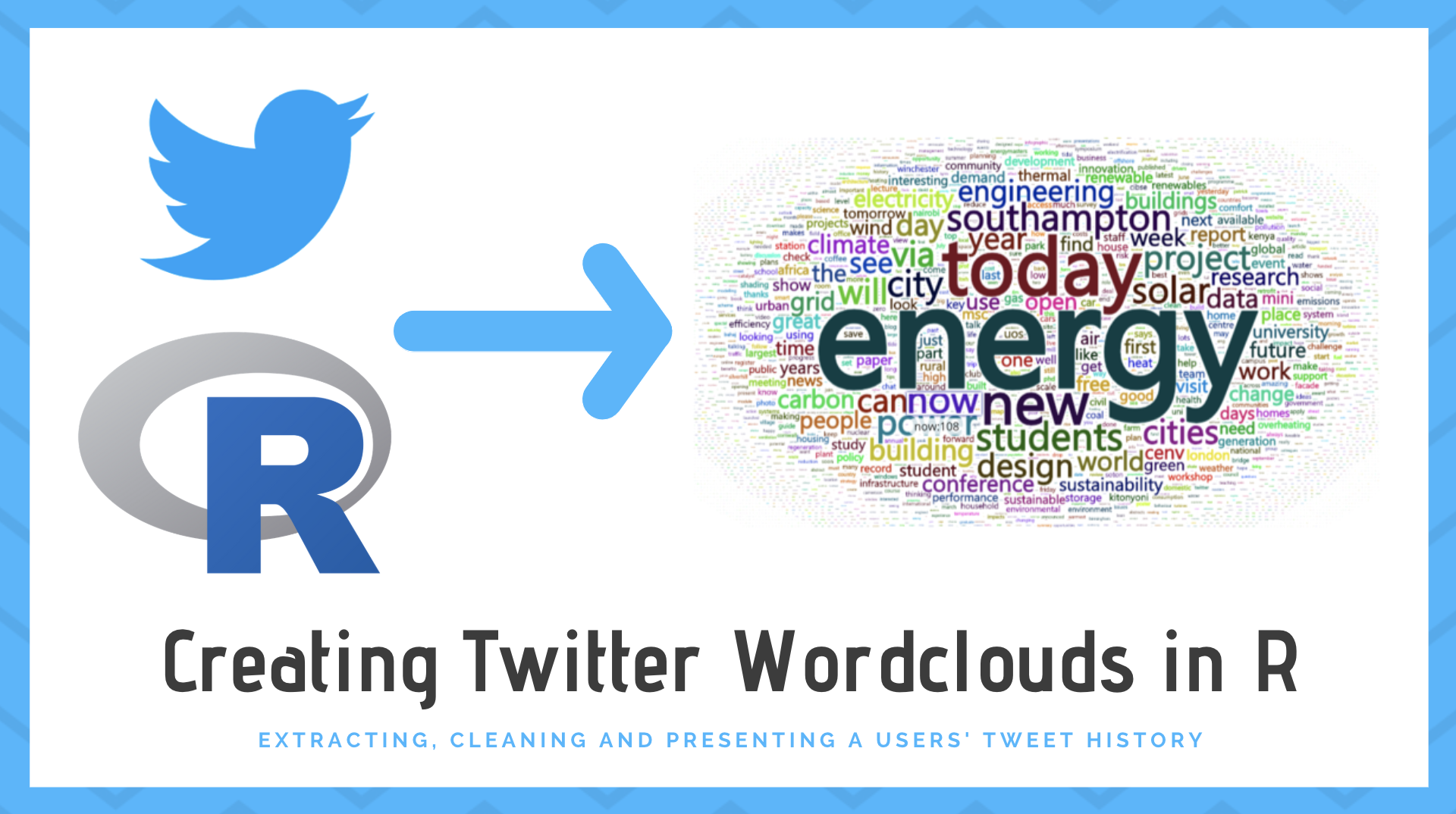
I recently finished my PhD, and my supervisor, Patrick James, always described me as a “data monster” in reference to how much I enjoyed playing with data. He was a massive influence throughout my PhD, so I felt it was only appropriate to get him a data-related gift when I finished. To this effect, I made him a wordcloud of all his tweet history!
This blog post explains how we can interact with Twitter data in R using the rtweet package, and convert this raw data into pretty visualisations using the wordcloud2 package. Hopefully it of use to others who may want to replicate the analysis themselves.
Overview
There are three key stages to the process of making the wordcloud:
- Access the data from Twitter: this is done via the rtweet package.
- Clean and extract the word data: removing all additional characters, hyperlinks, etc.
- Format the wordcloud: we need to stylise the appearance of the wordcloud.
The packages used in the analysis are listed as follows:
library(rtweet) # Used for extracting the tweetslibrary(tm) # Text mining cleaninglibrary(stringr) # Removing characterslibrary(qdapRegex) # Removing URLslibrary(wordcloud2) # Creating the wordcloudExtracting Tweets
The Twitter API makes it very easy to download tweet history for a user, a the rtweet package has been developed to provide an interface with this to R. You will need to sign up for a developer account to be able to access the API. From my experience, the process was not overly difficult, but there was almost a three week wait in my application being approved. Once you have an account, you will need to authenticate it with R as explained here.
Having setup the package, the tweet history for a user can be extracted using the get_timelines function. This extracts up to 3200 recent tweets from a user and provides lots of metdata for each tweet (date, time, text, links, location etc.). This is shown below:
# scrape the tweetstweets_pab <- get_timelines(c("pab_james"), n = 3200)Cleaning the Data
Once the tweet history has been extracted, it must be formatted and cleaned for the plot. Firstly, the column text is collapsed into a single character vector:
# Clean the datatext <- str_c(tweets_pab$text, collapse = "")We need to clean the text in the string. The str_remove function is used to remove linebreaks, hyperlinks, any hashtags and mentions. We are also not interested in keeping any basic words such as “a”, “the”, “and” etc., so we can use the removeWords and stopwords function from the tm package. In addition, the qdapRegex package is used to strip out the URLs:
# continue cleaning the texttext <- text %>% str_remove("\\n") %>% # remove linebreaks rm_twitter_url() %>% # Remove URLS rm_url() %>% str_remove_all("#\\S+") %>% # Remove any hashtags str_remove_all("@\\S+") %>% # Remove any @ mentions removeWords(stopwords("english")) %>% # Remove common words (a, the, it etc.) removeNumbers() %>% stripWhitespace() %>% removeWords(c("amp")) # Final cleanup of other small changesHaving cleaned the data, we can format the table. The function ‘TermDocumentMatrix’ is used to construct a frequency table of the words from the text string above. This table is sorted by frequency to make it easier to inspect.
# Convert the data into a summary tabletextCorpus <-  Corpus(VectorSource(text)) %>%  TermDocumentMatrix() %>%  as.matrix()
textCorpus <- sort(rowSums(textCorpus), decreasing=TRUE)textCorpus <- data.frame(word = names(textCorpus), freq=textCorpus, row.names = NULL)
Building the Wordcloud
Finally, we can build the wordcloud. There are two main options which can be used this: either wordcloud or wordcloud2. For the example, I have used the wordcloud2 package, as it offered a few more functions for customising the output. Below, we use the frequency table developed above to create the wordlcloud, as shown below.
# build wordcloudwordcloud <- wordcloud2(data = textCorpus, minRotation = 0, maxRotation = 0, ellipticity = 0.6)wordcloudWe can play around with this basic setup, and I would recommend checking out the package documentation to see some of the things that can be done. For example, we can provide our own image as a mask to customise the shape of the wordcloud.
Wrapping It all up
If we want to create Wordclouds for multiple users, we can wrap the above code up into a function. Below is the TweetsToWordcloud function:
TweetsToWordcloud <- function(username){
  tweets <- get_timelines(username, n = 3200)
  # Clean the data  text <- str_c(tweets$text, collapse = "") %>%  str_remove("\\n") %>%                   # remove linebreaks  rm_twitter_url() %>%                    # Remove URLS  rm_url() %>%  str_remove_all("#\\S+") %>%             # Remove any hashtags  str_remove_all("@\\S+") %>%             # Remove any @ mentions  removeWords(stopwords("english")) %>%   # Remove common words (a, the, it etc.)  removeNumbers() %>%  stripWhitespace() %>%  removeWords(c("amp"))                   # Final cleanup of other small changes
    # Convert the data into a summary table  textCorpus <-    Corpus(VectorSource(text)) %>%    TermDocumentMatrix() %>%    as.matrix()
  textCorpus <- sort(rowSums(textCorpus), decreasing=TRUE)  textCorpus <- data.frame(word = names(textCorpus), freq=textCorpus, row.names = NULL)
  wordcloud <- wordcloud2(data = textCorpus, minRotation = 0, maxRotation = 0, ellipticity = 0.6)  return(wordcloud)}
Then using this function on another example of another one of my academic supervisors:
TweetsToWordcloud(username = "dataknut")Conclusion
This post highlights how we can extract Tweets from Twitter and use this to build data visualisations like wordclouds. I certainly feel like there is a lot more that can be done with this data, so keep an eye out for more posts in the future on this!